This mod restores the functionality of the Mage and Priest screens to their classic pre-2.0 behavior.
- Compatible with BG:EE (with or without SoD) and BG2:EE- Download link at the end of this post
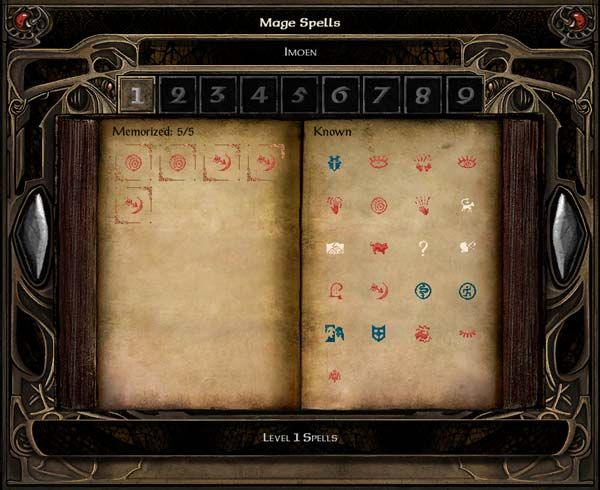
It works exactly like in the original games:
- Left-click on a known spell memorizes it.
- Right-click on a known spell opens a new window with its description (and Erase button, if you're a Mage or Bard)
- Left-click on a memorized spell unmemorizes it.
- Right-click on a memorized spell also opens their spell description window.
This is for players who like me, were too used to the way spellbooks worked before the 2.0 patch. There is also a very good argument for the consistency of how screens work and what left or right-clicking on things do put forth by Adul in this post.
More Screenshots:
BG:EE: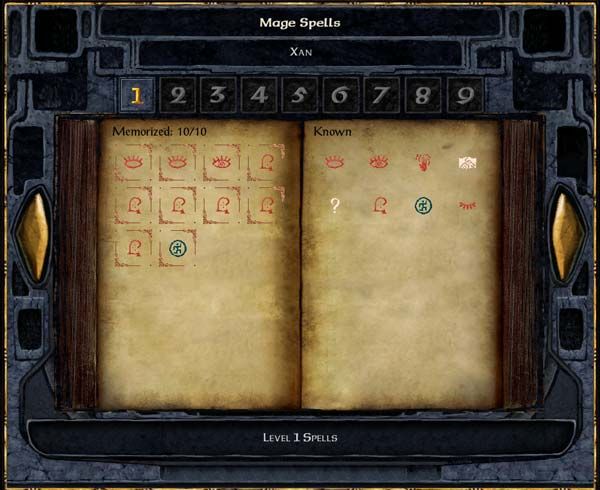
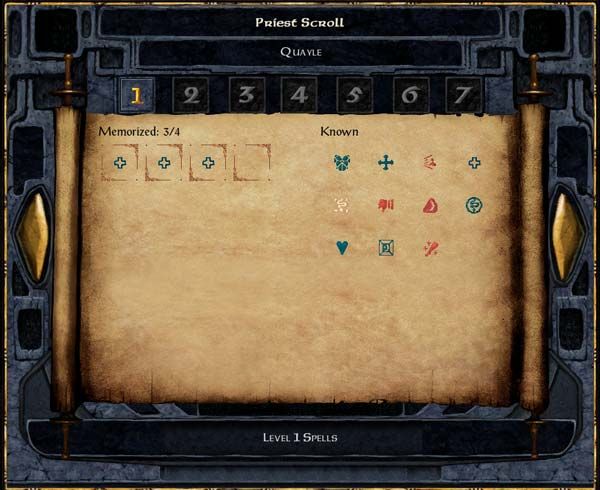

SoD:
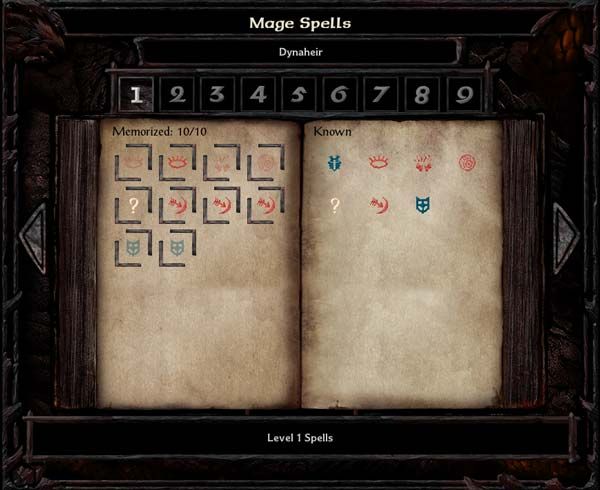
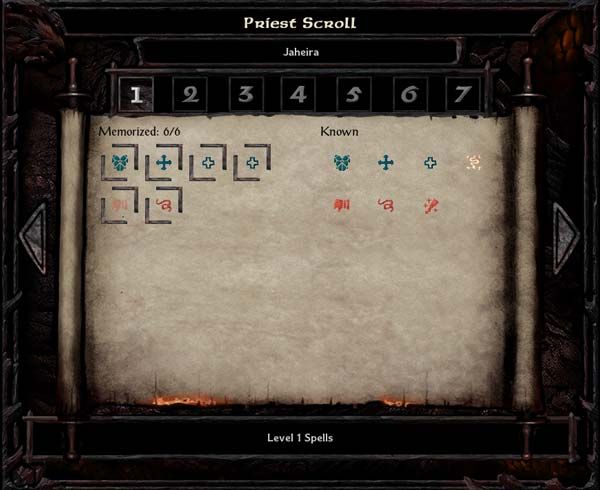
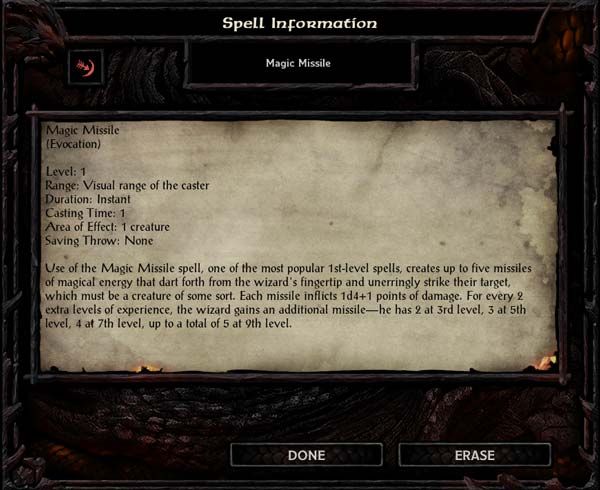
BG2:EE
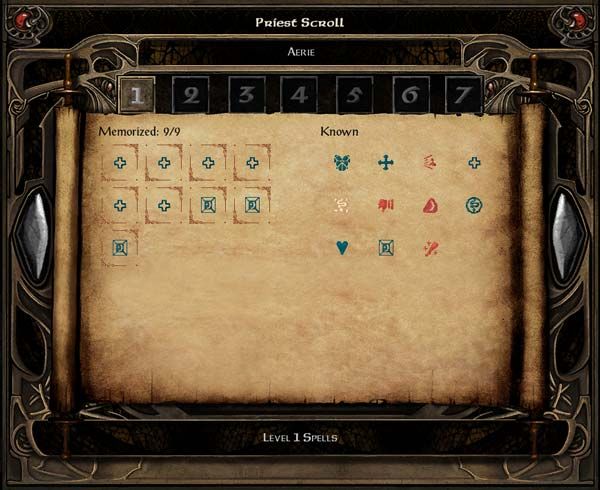
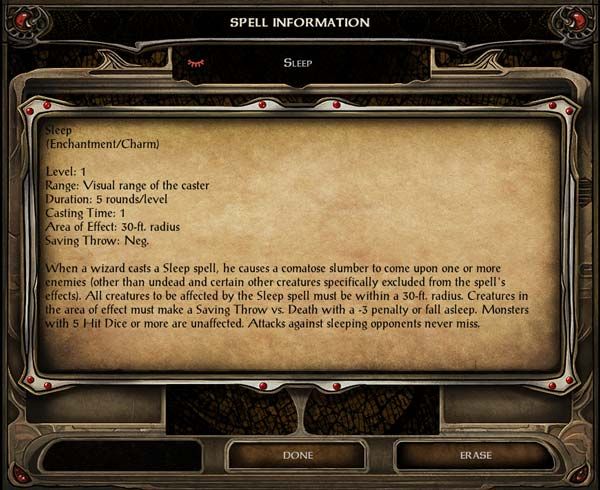
How to Install:
1a) Download and extract the file attached to this post.1b) Open the "Graphics" folder corresponding to the game you'll be modding. Copy those files to the "Override" folder of your game.
2a) Open the "Code" txt file corresponding to the game you'll be modding.
2b) Also open the UI.MENU file on the "Override" folder of your game. If you're new to messing with your game's UI and this step didn't make any sense, take a look at this thread.
3a) On your UI.MENU, find these lines:
3b) Select everything from the lines above (including them) to these lines (including them, too):
`
function magePageInfo()
createPriestMemorizationSparkle(2, 0, 40, 40, 'bookListPriest', -1)3c) Paste the contents of Code.txt over the selected code on UI.MENU.
showPriestMemorizationFlash = true
priestScreen:MemorizeSpell( characters[id].priestSpells[currentSpellLevel][currentBookSpell].level, characters[id].priestSpells[currentSpellLevel][currentBookSpell].index )
"
}
}
Final Notes:
This mod was built upon the Mage/Priest spells screen component of Lefreut's Enhanced UI and would not get made anytime soon (not by me, at least) without the help of his code.Let me know if you find any bugs.


![Midge Ure – A Man of Two Worlds (2026) [Official Digital Download 24bit/96kHz]](http://imghd.xyz/images/2026/05/09/zvc67e2mth34l_600.jpg)









